Printable graph paper PDF, any square size
Choose the square size, the page size and how often a heavier line appears. Download a PDF that prints at true size, or open a ready-made preset below.
Ready-to-print graph paper PDFs
One-click downloads with the preset settings and a 10 mm margin. They print at actual size.
Popular graph paper downloads
- 1/4 inch graph paper PDFLetter & A4
- 1/8 inch graph paper PDFLetter & A4
- 1/2 inch graph paper PDFLetter & A4
- 1 inch graph paper PDFLetter & A4
- 1 cm graph paper PDFLetter & A4
- 5 mm graph paper PDFLetter & A4
- Millimeter graph paper PDFLetter & A4
- Engineering graph paper PDFLetter & A4
- Landscape graph paper PDFLetter & A4
About graph paper
Graph paper is a page covered in evenly spaced horizontal and vertical lines. The squares give you a built-in ruler in both directions, which is why the same page works for plotting a function, laying out a floor plan, drawing a pixel sprite or keeping columns of numbers straight.
This generator draws the grid at the exact size you ask for. A 1/4 inch grid measures 1/4 inch and a 5 mm grid measures 5 mm when the PDF is printed at 100%. Squares are counted from the printable area, so the pattern is centred on the sheet and the last square is always complete, never cut off.
Heavier lines every few squares make long rows easy to count at a glance. The 1/4 inch preset, for example, has a darker line every four squares, so each heavy block is exactly one inch. You can switch these off for a plain grid or change the interval.
What you can use it for
- Maths homework, graphing functions and drawing geometry constructions
- Science lab notebooks, where graphs and tables sit next to written notes
- Technical sketches, floor plans and furniture layouts drawn to scale
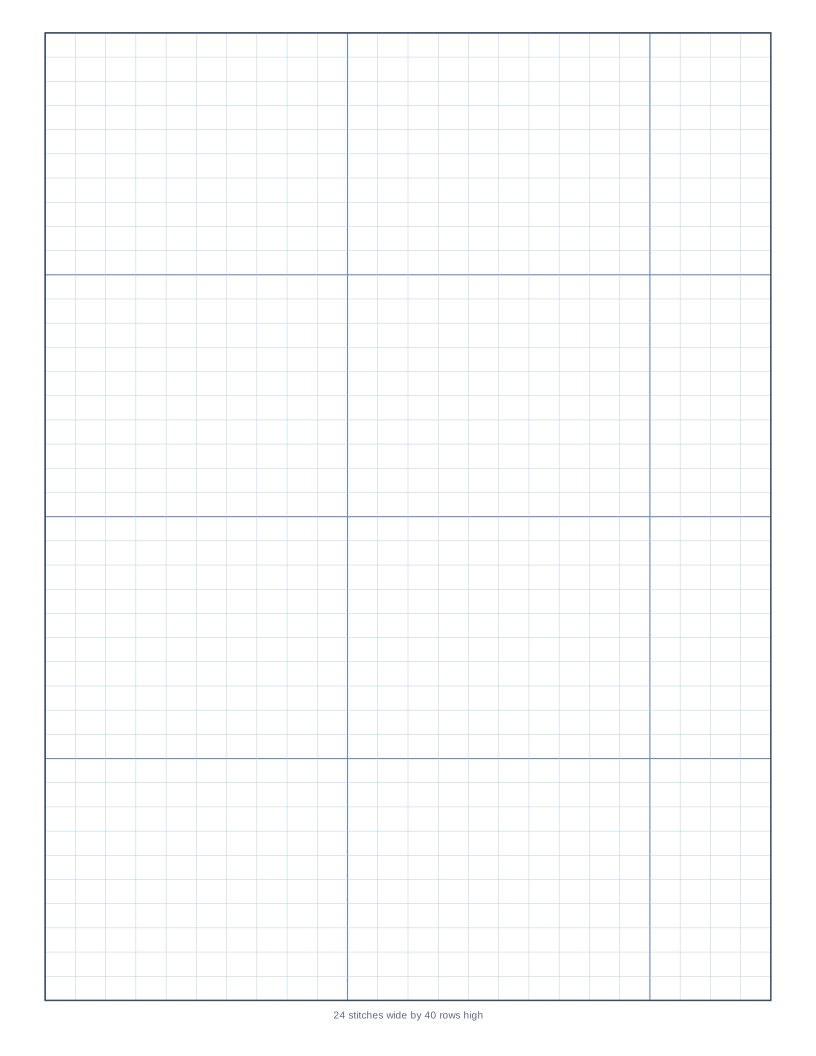
- Pixel art, cross stitch charts, logo grids and lettering practice
- Engineering calculations that need numbers aligned in columns
The options explained
- Square size. Any value from 1 mm to 50 mm, or the equivalent in inches. The preset buttons jump to the common sizes.
- Heavier line every. Draws a darker line every n squares. Set it to 0 for a uniform grid.
- Grid and heavy line colour. Light blue is the traditional choice. Pick grey or green for a different look, or a darker blue if your printer prints pale lines faintly.
- Line thickness. Thin lines suit fine grids. Make them slightly thicker if the grid is dense and your printer is in draft mode.
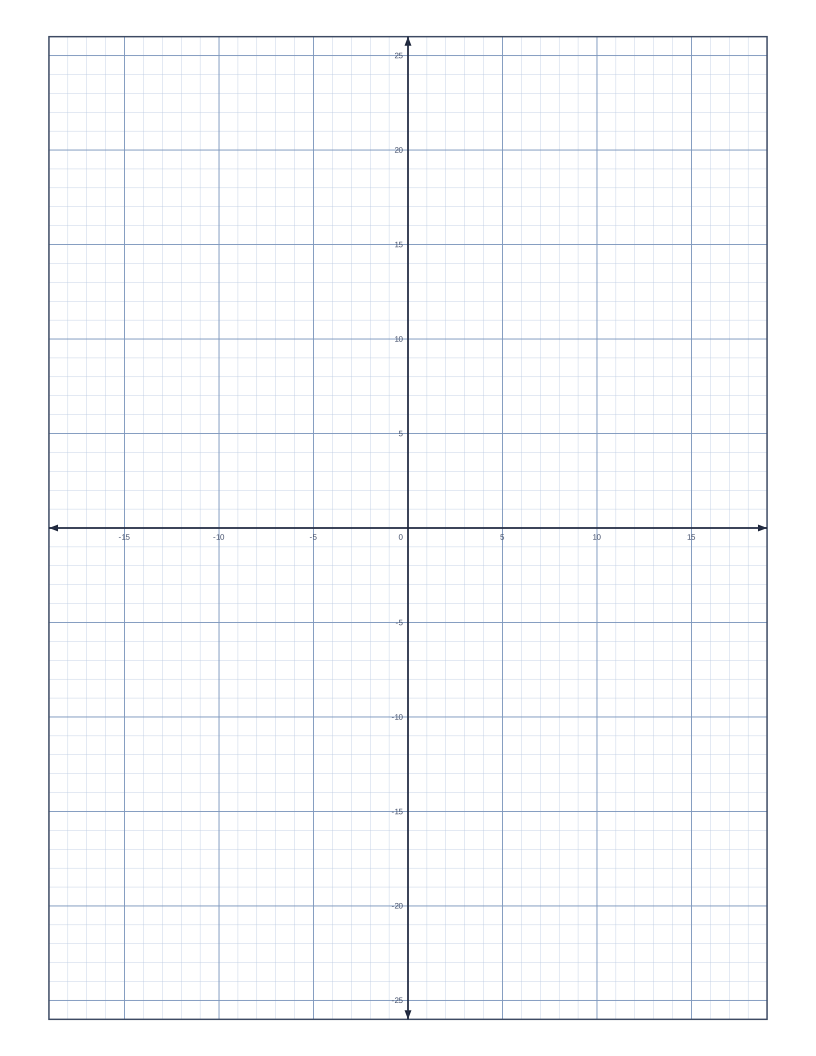
- Axes. Add centred x and y axes with arrows and numbers, or a bottom-left origin for first-quadrant graphs.
- Paper size and margin. Letter, A4, A5, A6, Half Letter, Legal, Tabloid and A3, in portrait or landscape.
Printing tips
- Print at Actual size or 100%. Choosing Fit to page shrinks the grid slightly and a 1 cm square will no longer measure 1 cm.
- If the outer edge of the grid is clipped, raise the page margin to match your printer, usually 5 to 6 mm.
- For photocopying, pick a darker grid colour. Pale blue lines can disappear on a copier.
- A 1 mm grid is dense. Print it in the best quality setting and use a heavy line every 10 squares so it stays readable.
For more detail, read the guide to printing grid paper at true size.
Frequently asked questions
What is the most common size of graph paper?
In the United States it is 1/4 inch, with a heavier line every inch. In most other countries it is 5 mm, or 1 cm for younger students. Both are available as presets.
How many squares are on a page?
It depends on the square size and the page. A 1/4 inch grid on US Letter with 10 mm margins gives 30 squares across and 40 down. The preset pages show these counts.
Can I get graph paper with axes already drawn?
Yes. Turn on Coordinate axes and choose centred or bottom-left. For a ready-made version with numbers, use the coordinate plane generator.
Will the grid be exactly the size I chose?
Yes, provided the print dialog is set to Actual size or 100%. Print a test page and measure it with a ruler if you need to be certain.