Cross stitch graph paper PDF
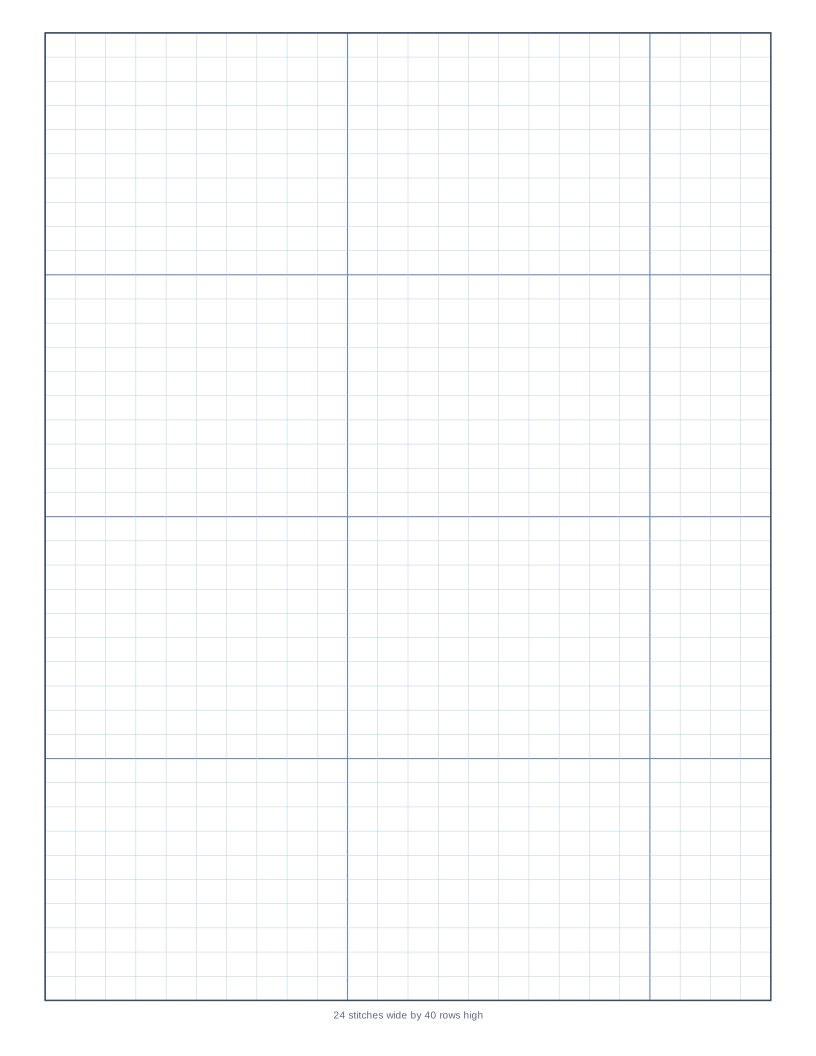
Square cells with centre arrows and a heavier line every ten stitches.
Download the Cross stitch graph paper PDF
Ready-made portrait file with a 10 mm margin. Print at 100% for true-size squares. No sign-up, no watermark.
- Cell
- 3 x 3 mmSquare
- Heavy line
- Every 10Count in blocks
- Centre marks
- ArrowsMidpoint of each edge
- Count
- PrintedStitches by rows
A cross stitch chart is a grid in which each square is one stitch. Heavy lines every 10 cells match the way patterns are counted, and arrows at the centre of each edge show where to start so the design ends up centred on the fabric.
This page is made for designing your own pattern: colour in the squares with coloured pencils, then write a key of thread colours at the side. The count printed under the chart records how many stitches wide and rows high the design can be.
Good for
- Custom cross stitch designs and samplers
- Pixel art and tapestry crochet
- Bead weaving and perler patterns
- Mosaic and quilt block planning
Printing tips
- Mark the centre first and work outward.
- For rectangular knit stitches use the knitting chart instead.
- Need the full checklist? Read how to print grid paper at true size.
Change it before you download
The generator below starts with this exact paper. Adjust the square size, colours, margin or paper size and save your own PDF.
Frequently asked questions
What size is the grid?
3 mm squares. For bigger cells choose Large cross stitch in the generator.
How do I find the fabric size?
Divide the stitch count by the fabric count (stitches per inch).
Can I use it for knitting?
Square cells distort knitted motifs. The knitting chart uses rectangles.